Draw the conversation. Go live in one click.
A canvas for conversations. Drop a question, draw a branch for each answer, connect an action, press publish. Live on WhatsApp and Messenger in the same minute.
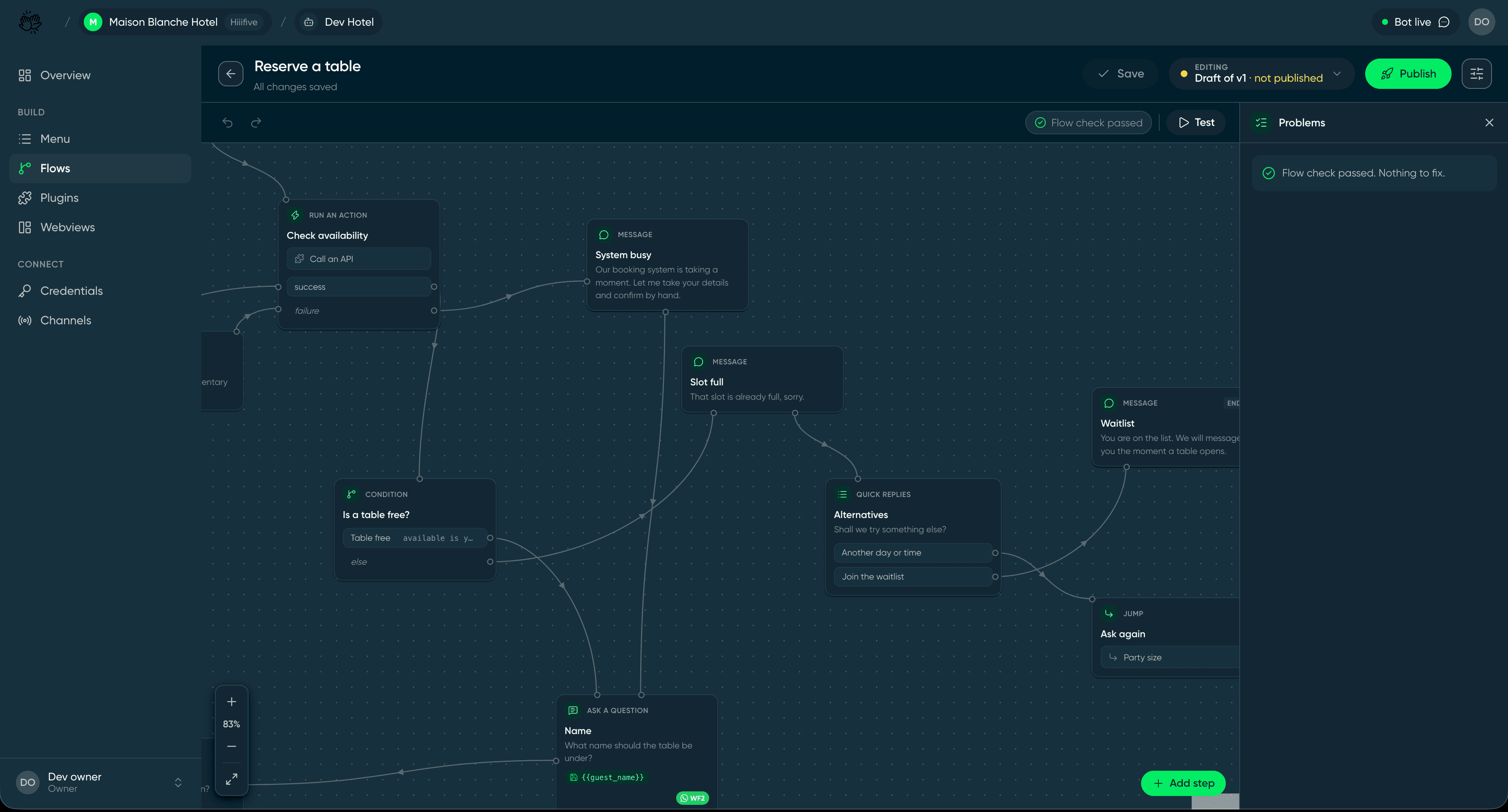
From blank canvas to live bot, before the kettle boils.
Publish your first flow in under five minutes. The hardest part is deciding what to call it.
- 01
Write the menu
Three to six options customers actually ask for.
- 02
Draw a flow
One question per card. Branch on the answer.
- 03
Connect an action
Point a step at your system. Paste the key once.
- 04
Publish
Test from your own phone. Go live when it reads right.
What you can build with Builder.
Each one starts as a blank canvas and a few cards.
Table reservations
Party size, date and time in one thread. Checks availability live and offers the waitlist when it's full.
Order tracking
Customers type an order number, the bot looks it up and replies with where the parcel is right now.
Appointment booking
Salons and clinics fill the diary from WhatsApp. Reminders go out the day before.
Support triage
Answer the common questions instantly and hand the rest to a person, with the context attached.
Lead capture
Ask the right questions, collect the details in a webview, send them straight to your CRM.
Never leave a customer hanging.
Off-script question? AI answers it. Need an address or a date? A quick form grabs it. Every chat ends with a happy customer.
AI assistant, on your terms
Switch it on for the questions your menu doesn't cover. It answers from your own documents, stays inside the lines you draw, and hands off the moment it isn't sure.
Webviews when a form beats a chat
Addresses, dates, card details. Open a small form inside the thread, collect it in one go, and drop straight back into the conversation.